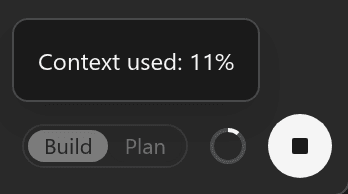
Prompt Field
Your prompt field is in the lower left of your screen. Type what you want and press Enter, or choose the send button with the up arrow.
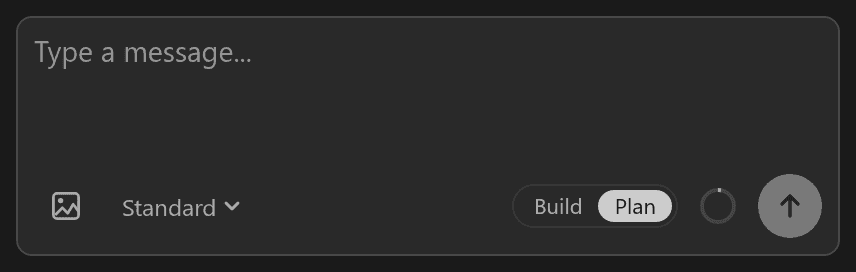
From left to right, the prompt field has:
- Attach images: add pictures for Henosia to look at. See Attach.
- Standard: choose how much Henosia thinks before it acts. See Try Expert mode.
- Build and Plan: choose whether Henosia builds or plans with you. See Plan/Build.
- The context ring: shows how much of Henosia's context the current task uses. Context is everything Henosia has in view for the task, such as your messages, its replies, and the files it has read. Hover the ring to see the percentage.
- The send button: sends your message. While Henosia works, it becomes a stop button.