Restore
If you try something that turns out not to be the right way to go, you can go back to an earlier version of your project. Choose Restore on a checkpoint in your chat.

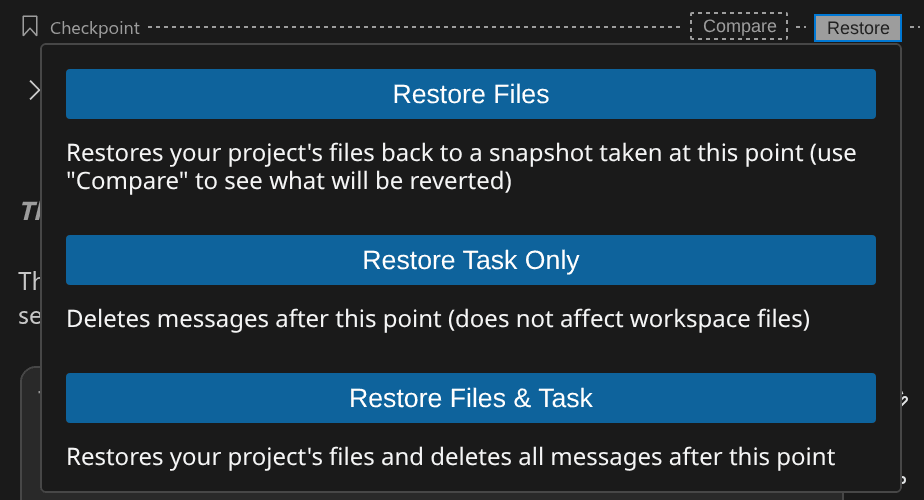
Restore gives you three choices:
- Restore Files puts your project files back to how they were at the checkpoint. The chat history stays.
- Restore Task Only removes the chat history after the checkpoint. Your project files stay as they are.
- Restore Files & Task does both.
If Henosia is working, stop it before you restore. To see what restoring files would undo, use Compare first.
The checkpoint you restored to turns blue and reads Checkpoint (restored).

Restoring files doesn't undo changes outside your project files, such as changes to a connected database.