Plan and build
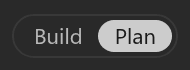
New tasks start in Plan so you and Henosia can agree on what to build before anything in your project changes. Use the Build and Plan toggle in the prompt field to switch modes at any time.
Plan together
In Plan, describe what you want built, or use Henosia as a sparring partner when you haven't made every decision yet - for example: "What is best practice for...?", "How would you solve...?", or "I've attached my preliminary spec. What have I forgotten?"
Build a booking site for our physiotherapy clinic. Patients pick a therapist and a time slot and get a confirmation, and staff see the day's schedule.
While it plans, Henosia looks through your project, reads your code, runs commands, and checks the preview, without keeping changes to your project files. It answers with a plan.
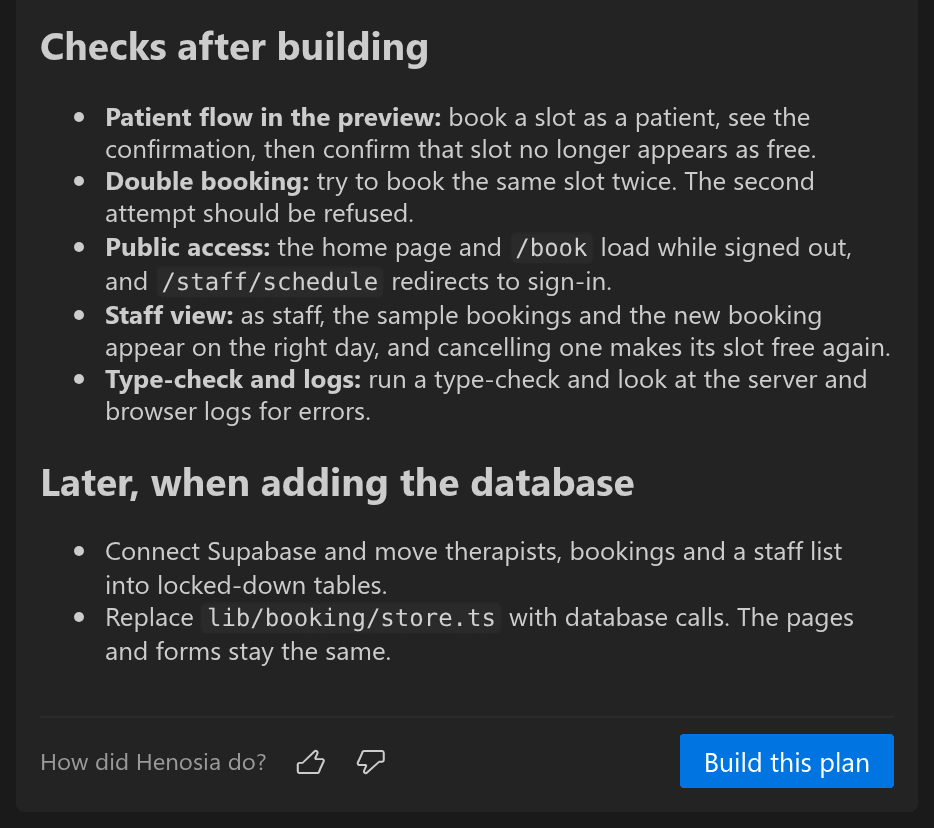
Reply in chat to change the plan, and Henosia writes out the full updated plan. When the plan is right, choose Build this plan below it (or Copy plan to copy it), and Henosia builds what you agreed on.
Read more about brainstorming and interviewing in Plan in the Prompting guide.
Build directly
When your instruction is already clear - such as changing a label, adding a column, or fixing a small behavior - switch the toggle in the prompt field to Build and send your prompt directly.
Take on bigger ideas
You can hand Henosia a whole feature in one message, such as a booking site with a staff schedule. It works through the job from start to finish without stopping to ask whether it should continue, and checks its own files, logs, and preview before handing back to you.
As a conversation grows, Henosia condenses older messages into a summary for itself and carries on. Your chat stays as it was, and you see a short notice when this happens. The plan you approved stays in force word for word, so a long build still follows what you agreed on.
A long conversation is no reason to start over. Start a new task when you begin a separate piece of work.